01Setup · Your rules
Your hours, your rules.
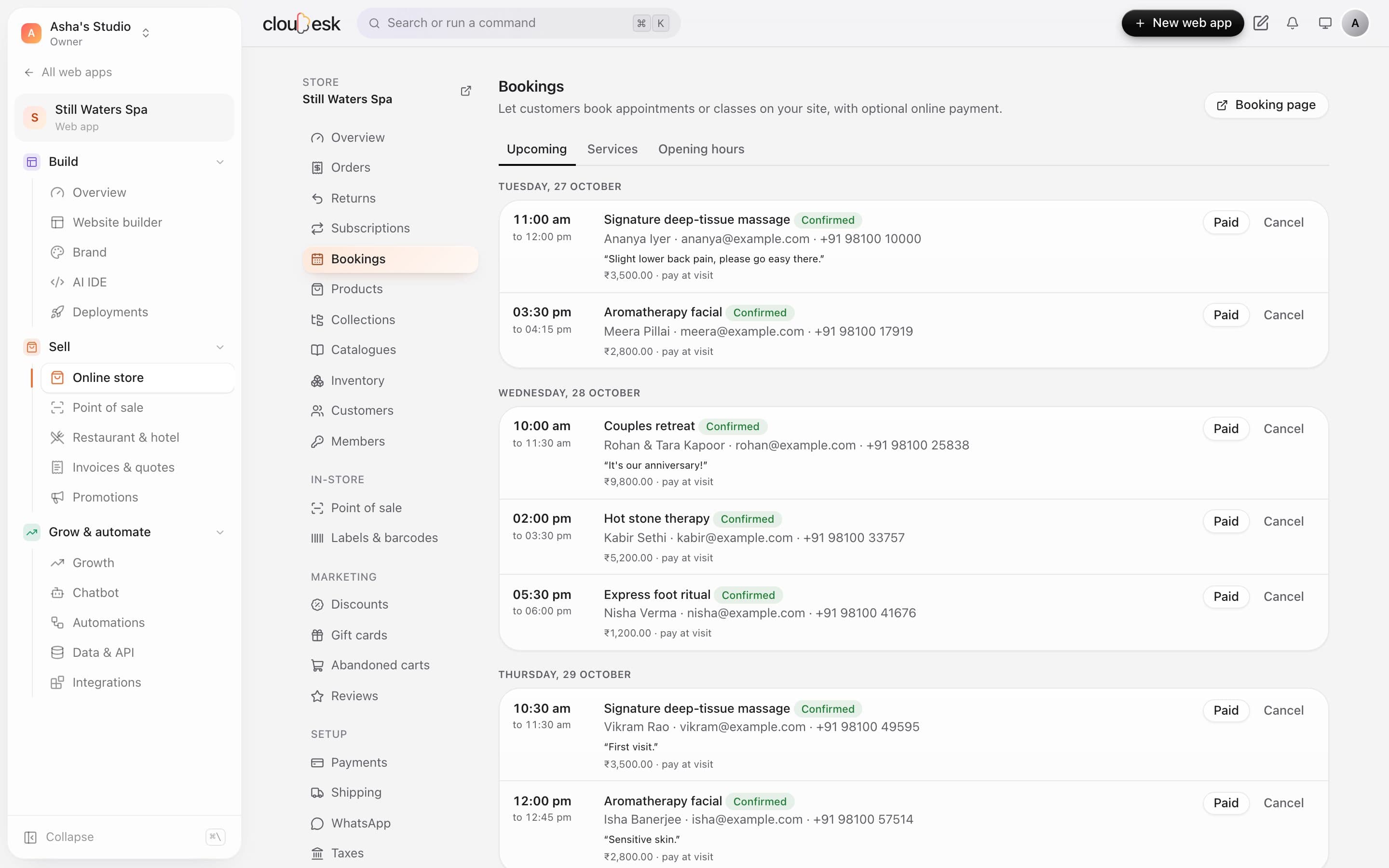
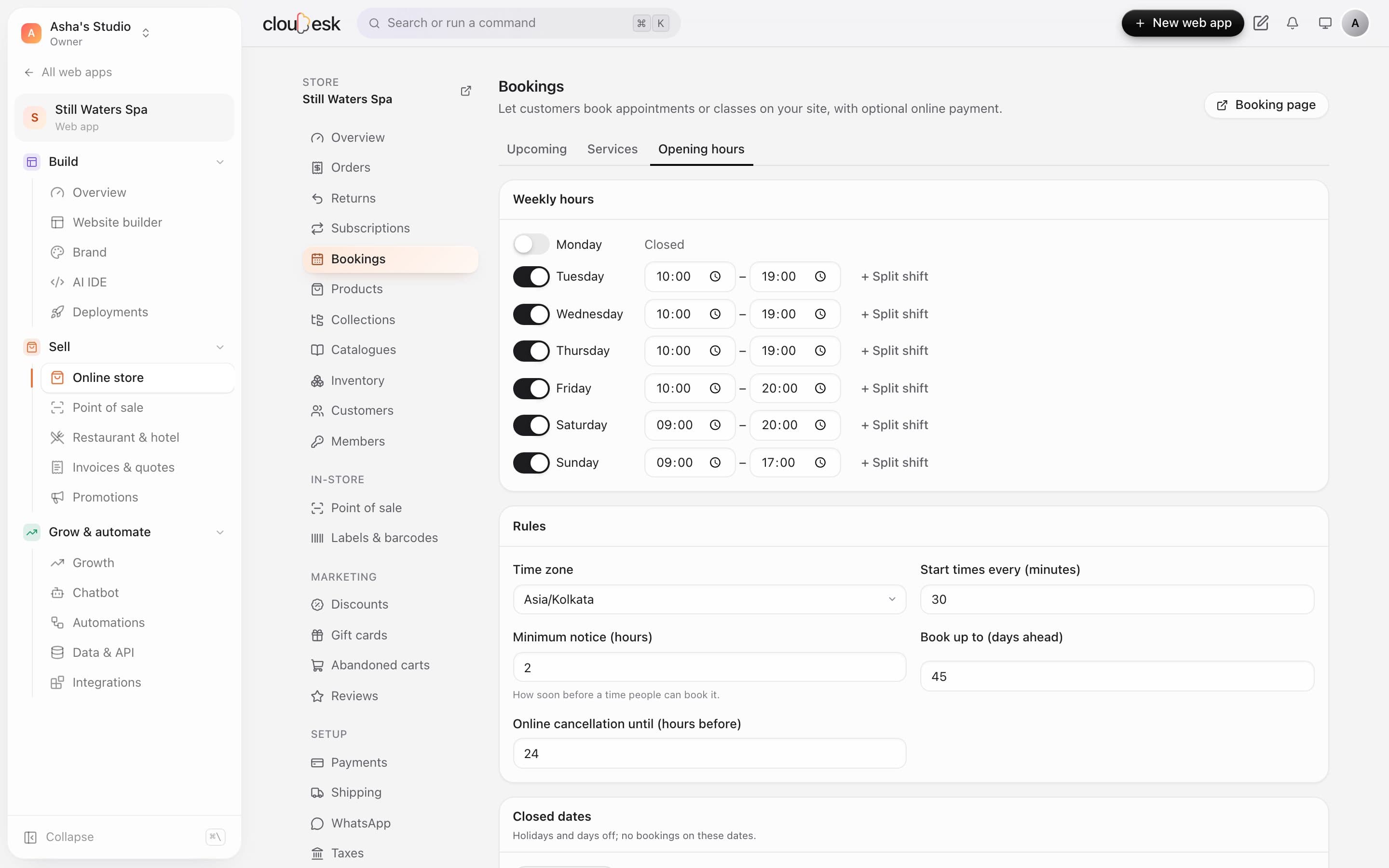
Set opening hours per day, minimum notice and buffers — patients only see times that really work.
- Hours per day
- Notice and buffers
- Holidays blocked
Cloudesk for clinics
Patients book a free slot online, get a confirmation email automatically, and a chatbot answers the usual questions — timings, parking, fees — from your own information.
Real screenshots of Cloudesk, from demo businesses.
What changes
A day with Cloudesk
Every screen below is the real app.
01Setup · Your rules
Set opening hours per day, minimum notice and buffers — patients only see times that really work.
02Evening · Booking
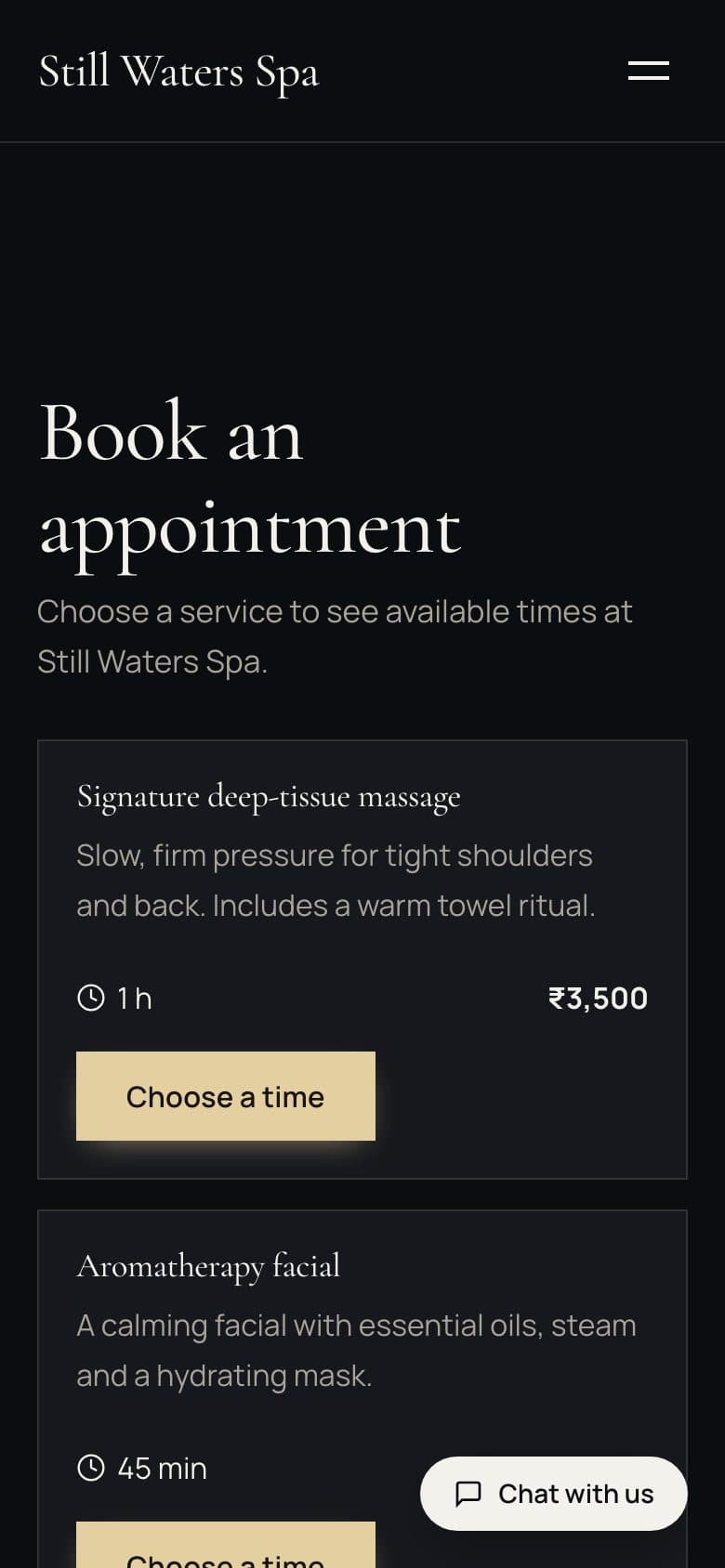
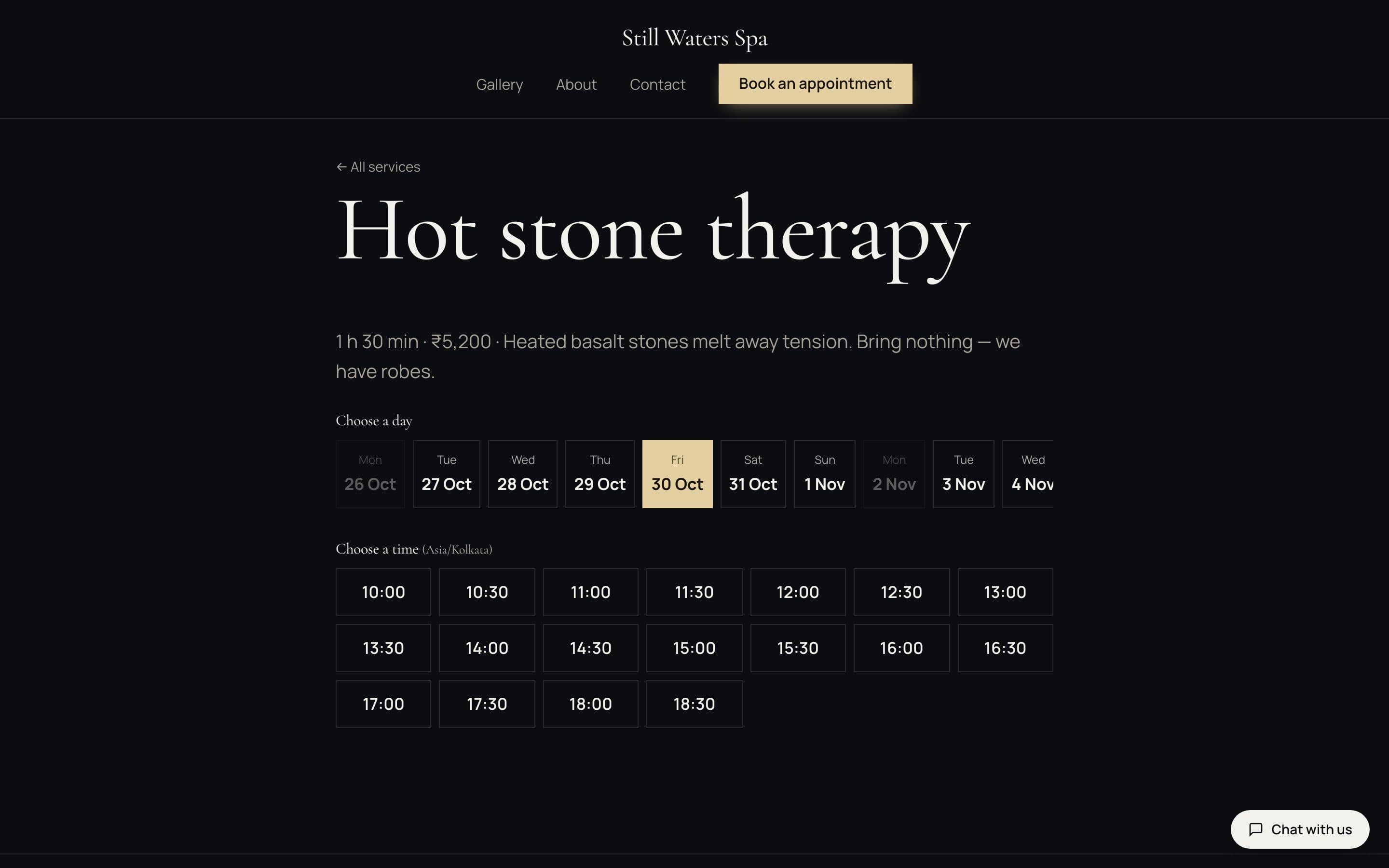
Pick the consultation, a day and a time, and leave their details — no calls.
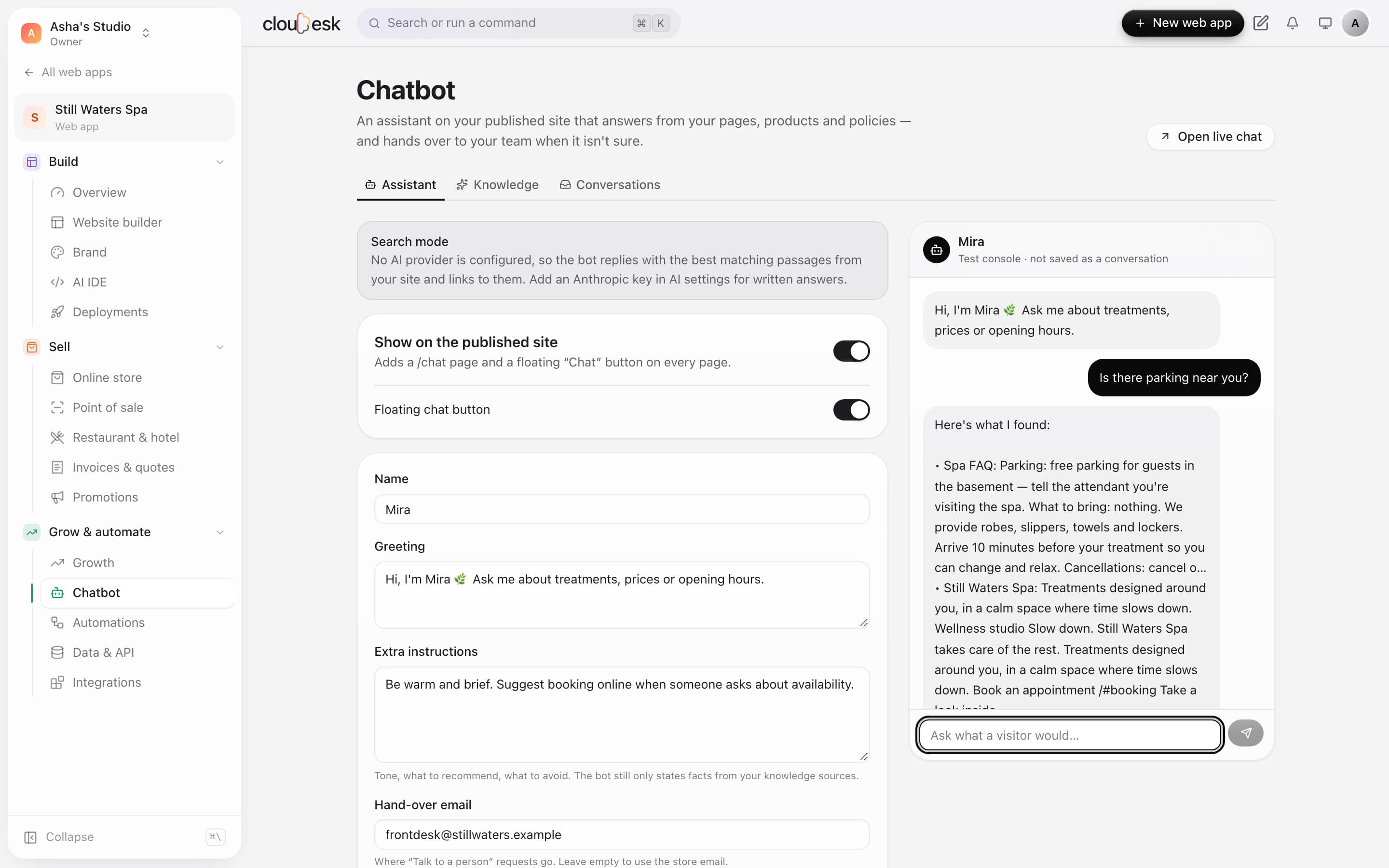
03Any time · Questions
It answers only from your own pages and notes — timings, parking, fees — and asks for an email when it isn't sure.
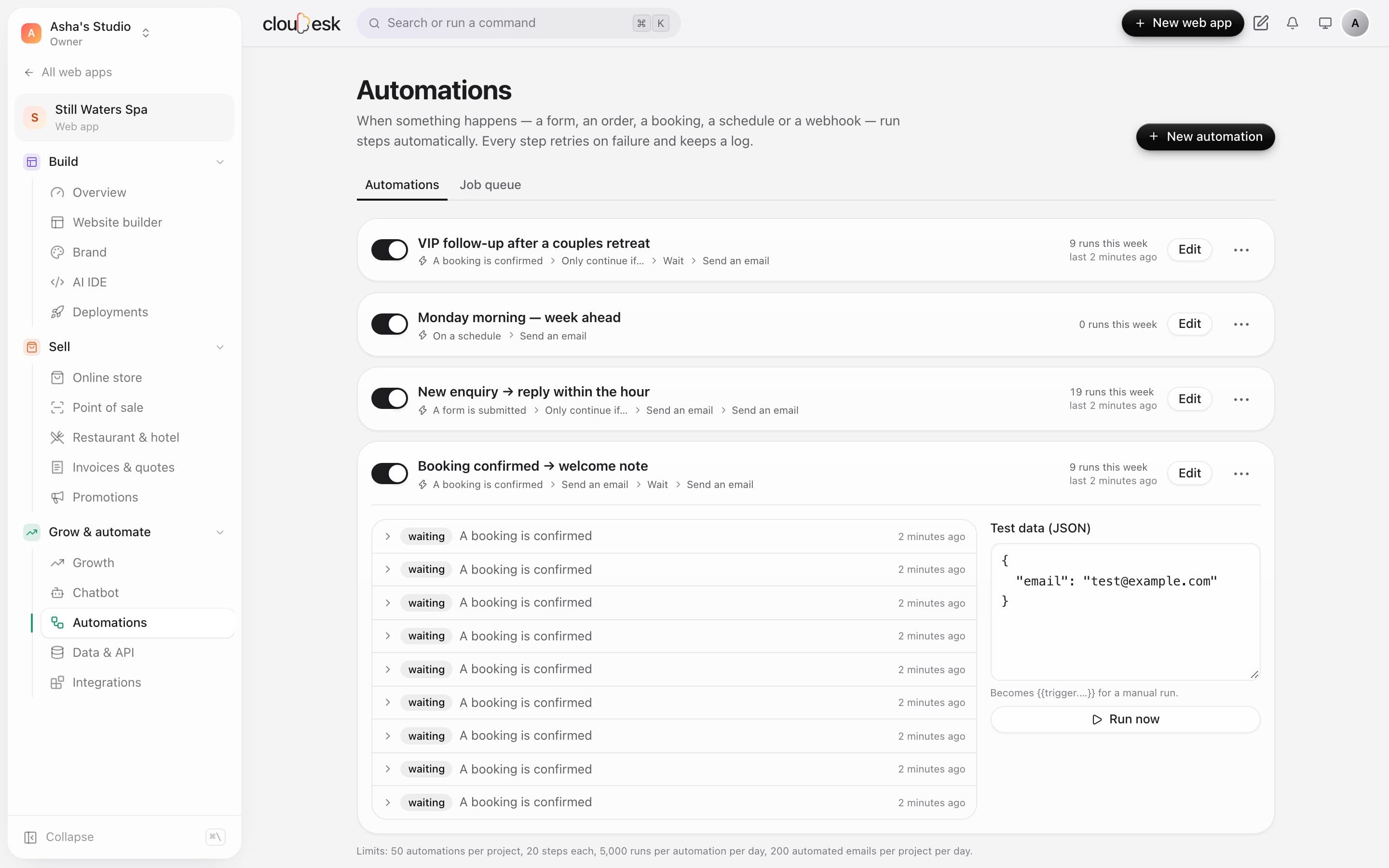
04After booking · Follow-ups
A confirmation email when they book and a follow-up after the visit — set up once, runs every time.
Your toolkit
Pick “Clinics” when you sign up and your dashboard starts with exactly these. Add or remove any later.
We'd rather be upfront than surprise you later:
Yes — each with its own duration and fee.
It says it isn't sure and asks the patient to leave an email so your team can reply — it never guesses. You see every conversation in the inbox.
Yes, at booking or at the visit — your choice.
Free to start. Next up: Home & décor →