All features

Cloudesk Chat

Chat that knows your business.

Channels for teams and topics, direct and group chats, and threads that keep things tidy. Type # to link any invoice, deal, order or person from Cloudesk; share a record from its page as a card; run polls, agree decisions and get approvals right in the conversation — and let AI catch you up on what you missed.

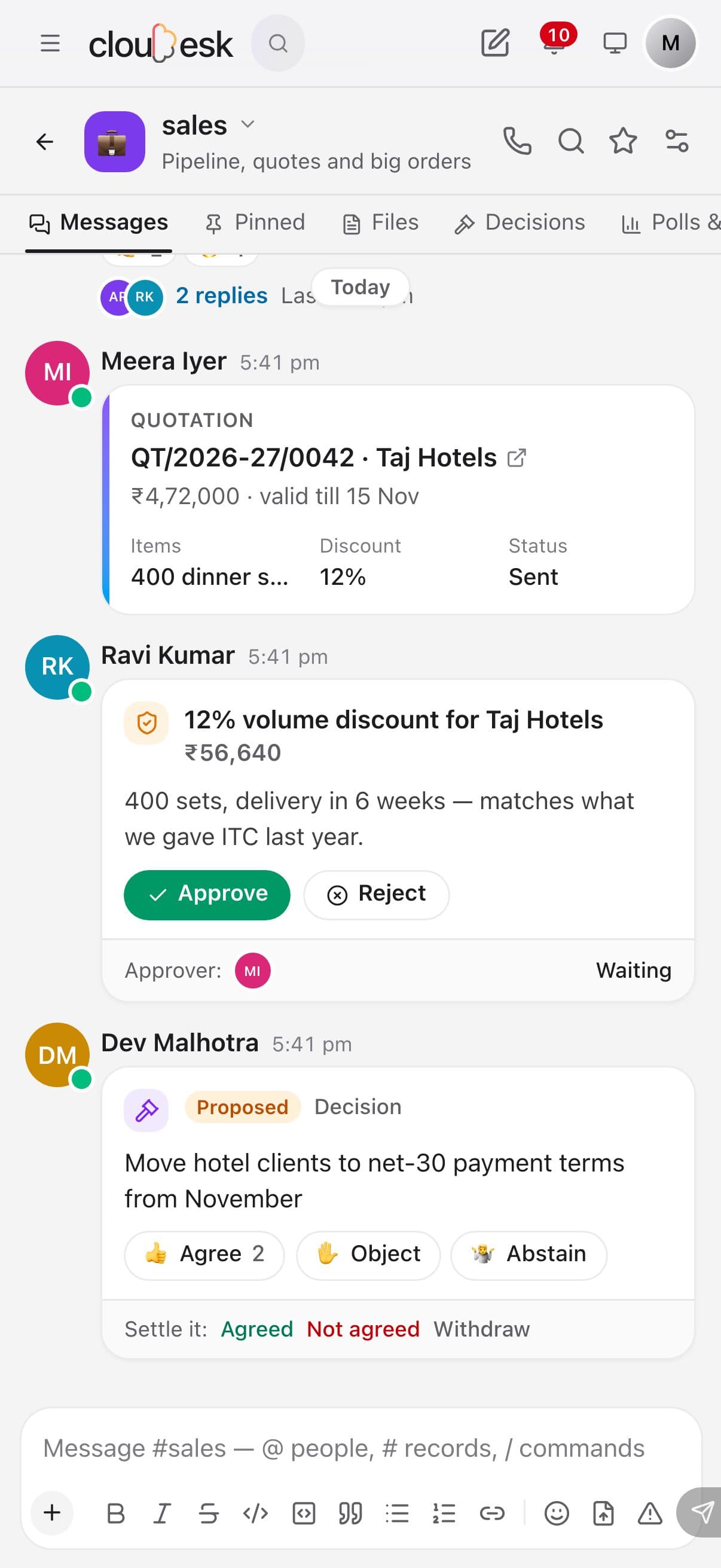
A Chat channel on a phone

Real screenshots from the app, using a demo workspace.

How it works

Three steps, no surprises

  1. 1

    Talk in channels and chats

    #general and #announcements are ready; make channels for teams and projects, public or private, and message anyone directly.

  2. 2

    Bring your work in

    @ to mention someone, # to link an invoice, deal or any record, or press Share on a record to post it as a card with its key details.

  3. 3

    Decide and move on

    Polls, shared checklists, decisions people agree or object to, and approvals with a reason — then turn messages into tasks in one click.

The tour

Every tool, up close.

  1. 01Channels

    Work talk, with the work in it.

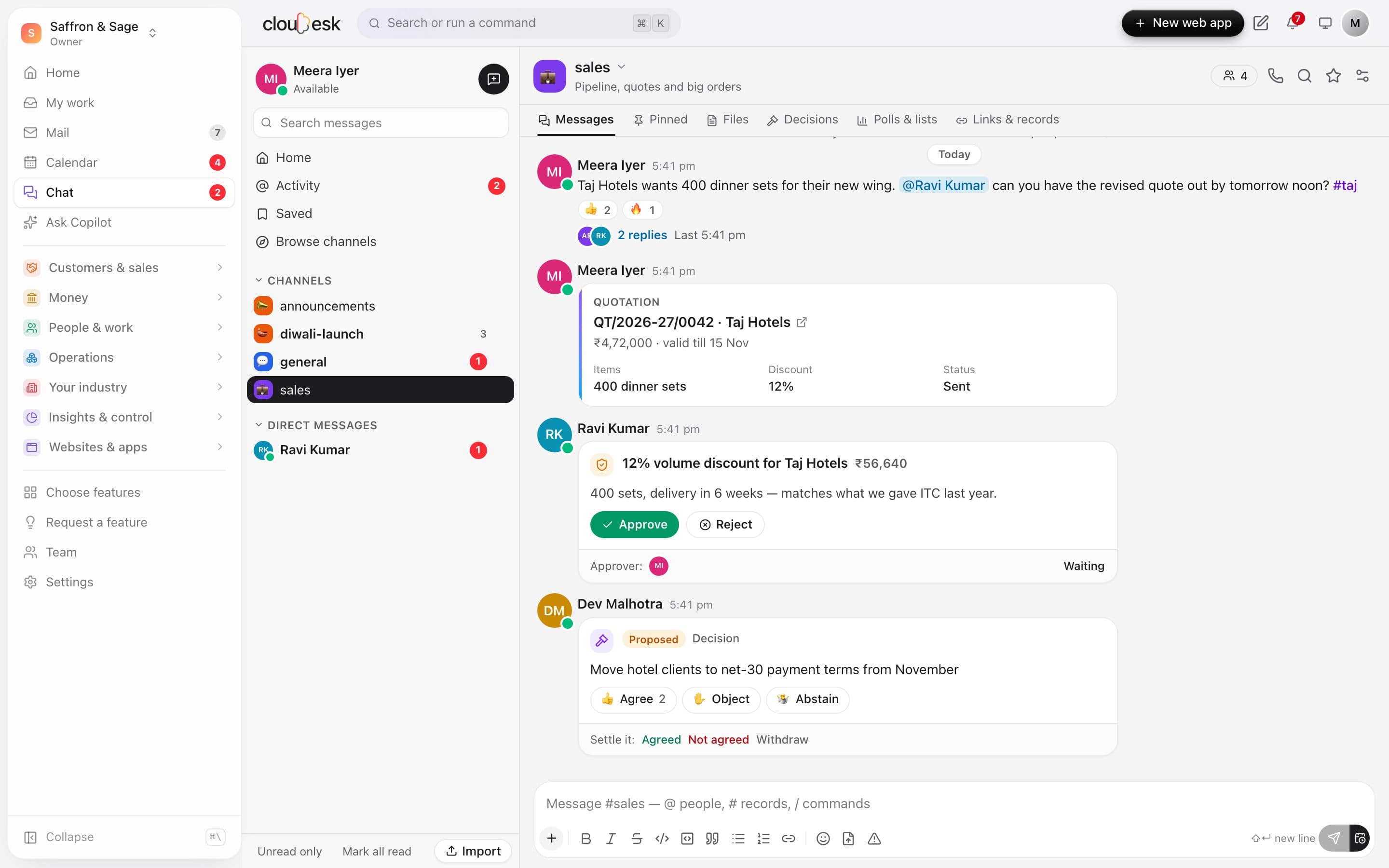
    Channels for teams and topics, direct and group chats. Share an invoice, deal or order from its page as a card, ask for an approval, and settle decisions where they're discussed.

    • Records shared as cards with a link back
    • Approvals with a reason when rejected
    • Decisions people agree or object to
    A channel with a quotation card, an approval and a decision
  2. 02Threads

    Replies that keep channels readable.

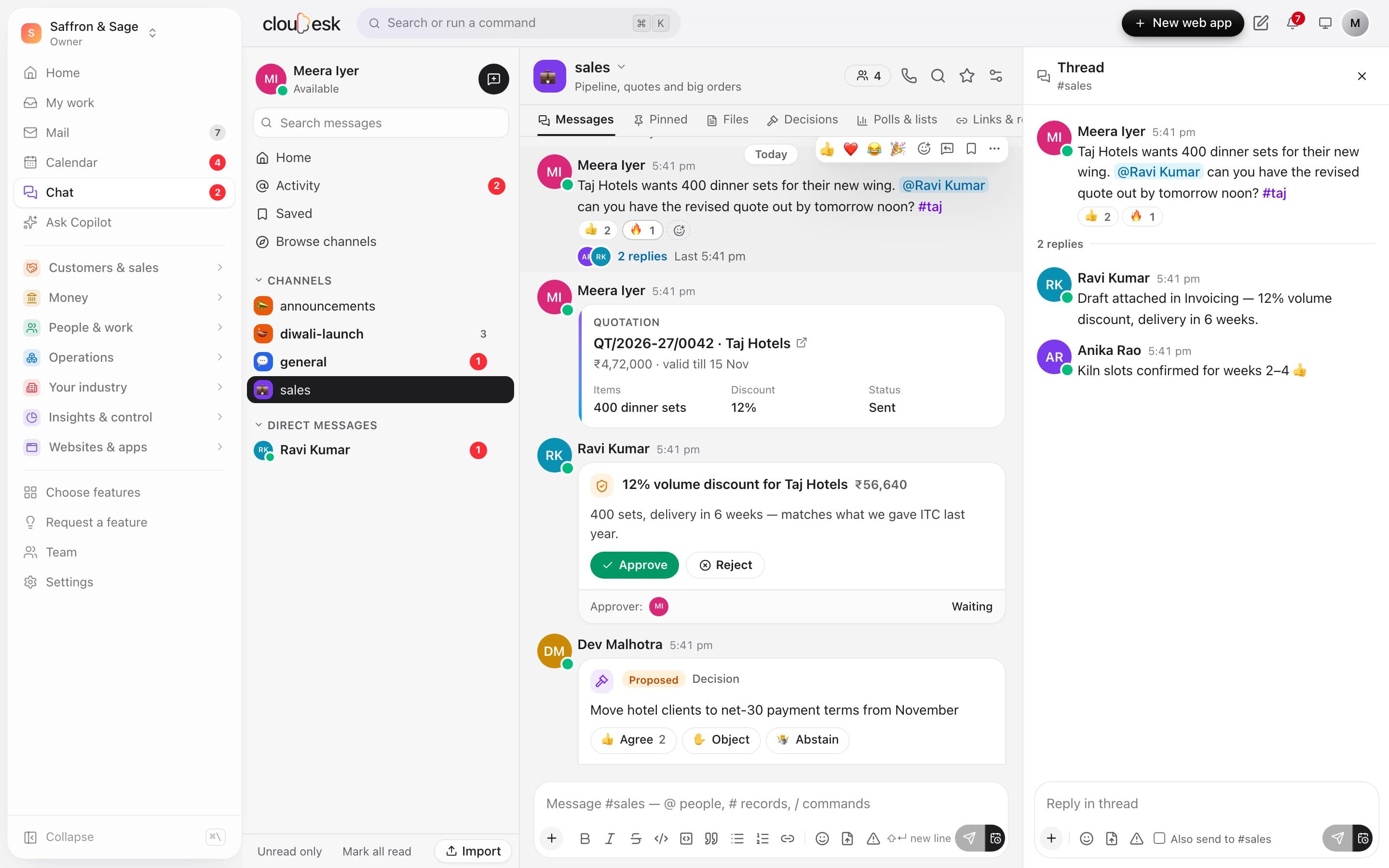
    Reply in a thread, with the people in it notified. Mentions are highlighted and gathered in Activity; reactions, pins and saved-for-later keep the important bits close.

    • @mentions, @everyone and #topics
    • Saved for later, with a reminder
    • Urgent messages that repeat until read
    A thread open beside the channel
  3. 03Interactive

    Polls and checklists, live.

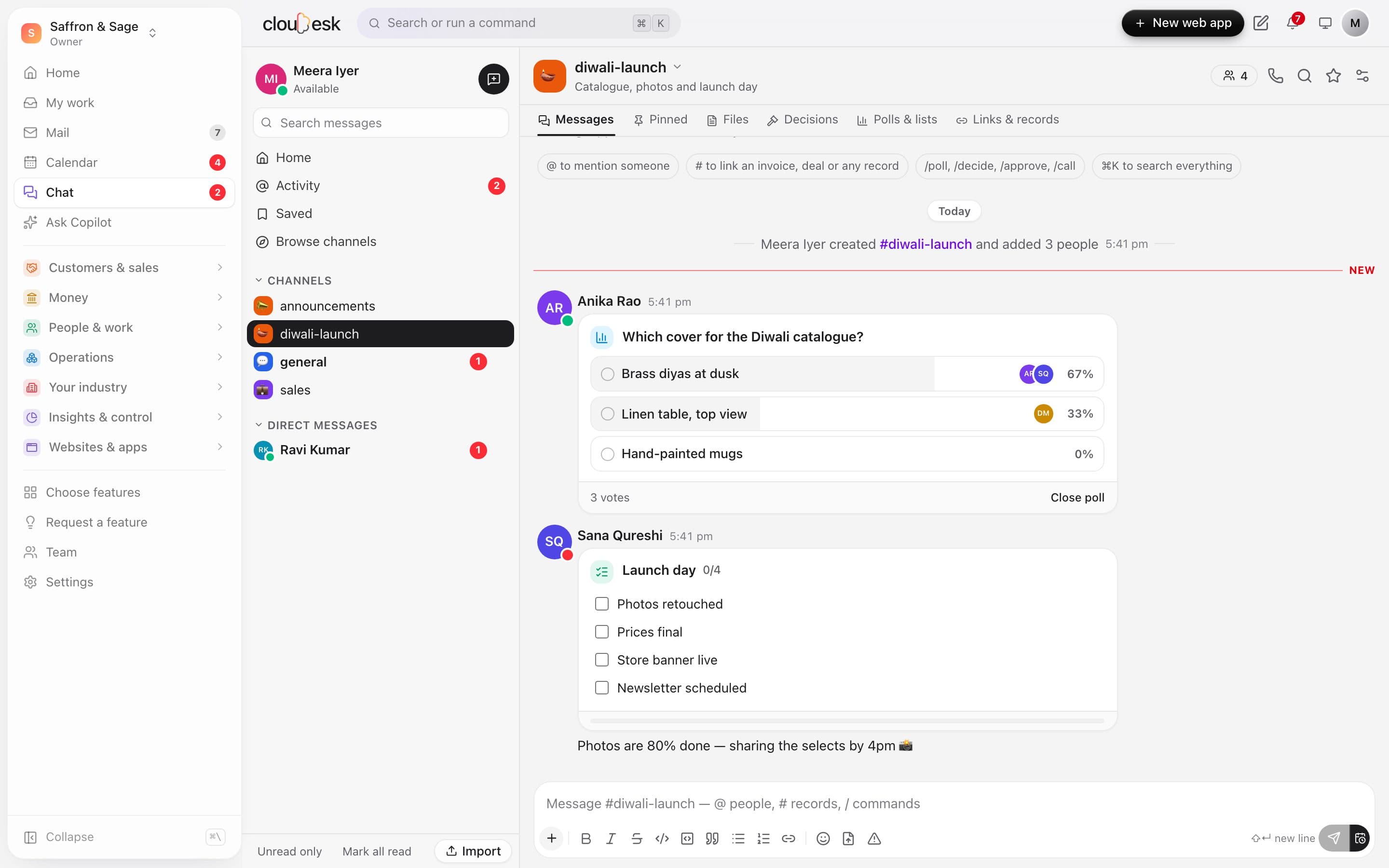
    Run a poll, keep a shared checklist, start a video call or schedule a meeting from the conversation — and let AI catch you up on what you missed when you're back.

    • Polls: anonymous, multiple choice, closing time
    • Shared checklists anyone can tick
    • AI catch-up with action items
    A poll with votes and a shared launch-day checklist

In detail

What you get with Cloudesk Chat

Live

Messages, reactions, typing and read state arrive as they happen; unread counts in the sidebar everywhere in Cloudesk.

Good to know

We'd rather be upfront than surprise you later:

  • Video calls open in Jitsi Meet (free, in the browser) — Cloudesk doesn't host the call itself.
  • AI features use your workspace's AI connection; they're off when none is set up, and can be switched off per conversation.
  • Chat is for the people in your workspace — it isn't a customer chat (that's the Chatbot).
  • Files can be up to 25 MB each.

Questions people ask

Can admins read private channels?+

No. Workspace admins can manage public channels and ones they're in, but private channels, group chats and direct messages are only for their members.

Can I get the history out?+

Yes — any conversation exports to a spreadsheet (CSV), and channels can be imported from one.

Works beautifully with

Give it a spin — it's free to start.

Next up: Cloudesk Notes →

Start free